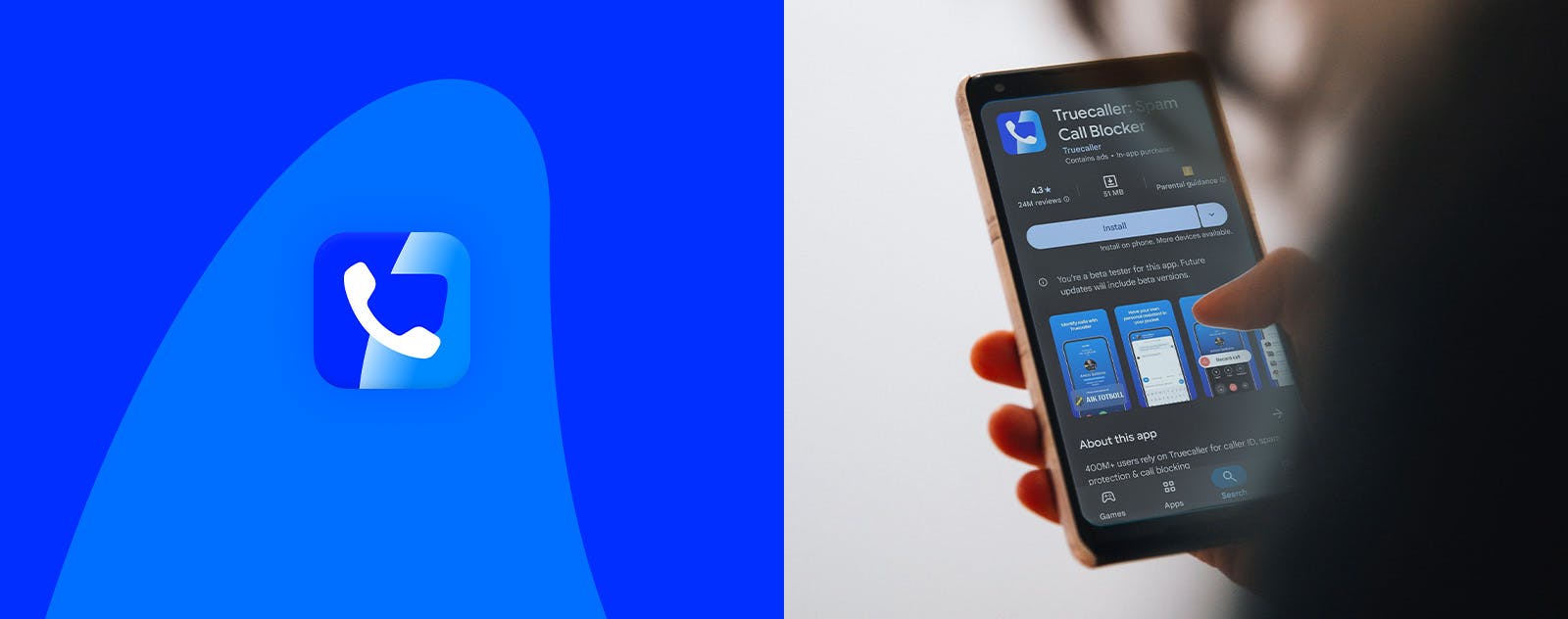

Switching to the Official Truecaller App? Here’s How

Truecaller
Mar 27, 20251 min read
If you’ve downloaded an unofficial version of Truecaller, it’s time to make a quick switch. These unofficial apps can mess with your phone’s performance, risk your data, and simply won’t work the way they should.
The fix is simple. Just follow these steps:
- Open Settings on your phone
- Search and tap on Apps
- Find and select Truecaller
- Hit Uninstall
- Go to the Play Store or truecaller.com
- Download the official app
- Log in
And you’re back - safe and fully protected.
Curious why unofficial apps are risky? Read this to learn why sticking to official sources is always the right call.
At Truecaller, we have made it our mission to build trust in communication. We do our best to help you navigate a world where fraud and unwanted communication are a part of your daily life. Stay updated about recent scams, and watch the latest YouTube videos on how you and the 450 million-strong community of people using Truecaller every month can stay protected. You'll find us on X, Facebook, Instagram, and TikTok. Wanna chat with other Truecaller peeps? Join the TrueTalks Community for all things Truecaller!
Truecaller
Mar 27, 20251 min read